
Customization
OpenSpec provides three levels of customization:
| Level | What it does | Best for |
|---|---|---|
| Project Config | Set defaults, inject context/rules | Most teams |
| Custom Schemas | Define your own workflow artifacts | Teams with unique processes |
| Global Overrides | Share schemas across all projects | Power users |
Project Configuration
Section titled “Project Configuration”The openspec/config.yaml file is the easiest way to customize OpenSpec for your team. It lets you:
- Set a default schema - Skip
--schemaon every command - Inject project context - AI sees your tech stack, conventions, etc.
- Add per-artifact rules - Custom rules for specific artifacts
- Add per-operation guidance - Advisory preferences for apply and archive work
- Remember integration choices - e.g. the GitHub Copilot cloud coding agent opt-in
Quick Setup
Section titled “Quick Setup”openspec initThis walks you through creating a config interactively. Or create one manually:
schema: spec-driven
context: |  Tech stack: TypeScript, React, Node.js, PostgreSQL  API style: RESTful, documented in docs/api.md  Testing: Jest + React Testing Library  We value backwards compatibility for all public APIs
rules:  proposal:    - Include rollback plan    - Identify affected teams  specs:    - Use Given/When/Then format    - Reference existing patterns before inventing new ones
operations:  apply:    guidance:      - Run focused tests before the full suite  archive:    guidance:      - Keep the completion summary concise
# Set by `openspec init` when you choose (or decline) the GitHub Copilot# cloud coding agent; controls whether `init`/`update` generate its files.githubCopilot:  cloudAgent: false
How It Works
Section titled “How It Works”Default schema:
# Without configopenspec new change my-feature --schema spec-driven
# With config - schema is automaticopenspec new change my-feature
Context and rules injection:
When generating any artifact, your context and rules are injected into the AI prompt:
<context>Tech stack: TypeScript, React, Node.js, PostgreSQL...</context>
<rules>- Include rollback plan- Identify affected teams</rules>
<template>[Schema's built-in template]</template>- Context appears in ALL artifacts
- Rules ONLY appear for the matching artifact
Operation guidance:
operations.apply.guidance and operations.archive.guidance are optional arrays
of advisory instructions for how an agent should conduct those operations. They
are separate from rules: operation guidance does not constrain artifact content,
and artifact rules are never relabeled as operation guidance.
Apply and archive fetch these inputs at execution time:
openspec instructions apply --change my-feature --jsonopenspec instructions archive --change my-feature --jsonBoth surfaces return current project context and matching
operationGuidance as separate optional fields. Each invocation reads a fresh
snapshot from the resolved root. When --store <id> is selected, the change,
context, and guidance all come from that store rather than the current repository.
The archive instruction command is read-only: it does not inspect or merge delta
specs, write main specs, move the change, or run the static archive workflow.
Project context is a required prompt-level input. Generated workflows read it and apply relevant project facts, conventions, and constraints. Operation guidance is optional additive advice: workflows consider every entry and follow entries that are applicable and compatible with the built-in workflow.
Both fields remain separate from CLI-controlled state, resolved paths, built-in steps, explicit user choices, and artifact rules. A workflow reports context conflicts while preserving the controlling value. It does not follow inapplicable or conflicting guidance and explains why. Neither field is an enforceable check, and workflows do not copy their text into implementation files, specs, change artifacts, or summaries unless the user separately requests that content.
Archive and spec-sync input safety:
Archive, bulk archive, and standalone sync use
artifactPaths.specs.existingOutputPaths from openspec status --json as the
only delta-spec source. A schema without a specs artifact, or a change whose
concrete output list is empty, has nothing to sync; other artifacts are not used
to infer delta specs.
Before a semantic merge writes a main spec, the workflow consumes current
openspec instructions specs --change <name> --json output. The returned
specs rules constrain only the main specs produced by that merge. Single archive
passes that snapshot into inline sync, standalone sync fetches it directly, and
bulk archive obtains every required snapshot before its first spec write. A
non-zero or invalid JSON archive/specs instruction response is a lookup failure,
not an empty input: the workflow stops before the affected spec write or change
move (for bulk archive, before any batch write or move).
This configuration does not change archive execution phases, user prompts,
filesystem operations, semantic merge ownership, the direct openspec archive
command, or the structure and output of artifact rules.
Schema Resolution Order
Section titled “Schema Resolution Order”When OpenSpec needs a schema, it checks in this order:
- CLI flag:
--schema <name> - Change metadata (
.openspec.yamlin the change folder) - Project config (
openspec/config.yaml) - Default (
spec-driven)
Custom Schemas
Section titled “Custom Schemas”When project config isn’t enough, create your own schema with a completely custom workflow. Custom schemas live in your project’s openspec/schemas/ directory and are version-controlled with your code.
your-project/├── openspec/│ ├── config.yaml # Project config│ ├── schemas/ # Custom schemas live here│ │ └── my-workflow/│ │ ├── schema.yaml│ │ └── templates/│ └── changes/ # Your changes└── src/Fork an Existing Schema
Section titled “Fork an Existing Schema”The fastest way to customize is to fork a built-in schema:
openspec schema fork spec-driven my-workflowThis copies the entire spec-driven schema to openspec/schemas/my-workflow/ where you can edit it freely.
What you get:
openspec/schemas/my-workflow/├── schema.yaml # Workflow definition└── templates/ ├── proposal.md # Template for proposal artifact ├── spec.md # Template for specs ├── design.md # Template for design └── tasks.md # Template for tasksNow edit schema.yaml to change the workflow, or edit templates to change what AI generates.
Create a Schema from Scratch
Section titled “Create a Schema from Scratch”For a completely fresh workflow:
# Interactiveopenspec schema init research-first
# Non-interactiveopenspec schema init rapid \  --description "Rapid iteration workflow" \  --artifacts "proposal,tasks" \  --default
Schema Structure
Section titled “Schema Structure”A schema defines the artifacts in your workflow and how they depend on each other:
name: my-workflowversion: 1description: My team's custom workflow
artifacts:  - id: proposal    generates: proposal.md    description: Initial proposal document    template: proposal.md    instruction: |      Create a proposal that explains WHY this change is needed.      Focus on the problem, not the solution.    requires: []
  - id: design    generates: design.md    description: Technical design    template: design.md    instruction: |      Create a design document explaining HOW to implement.    requires:      - proposal    # Can't create design until proposal exists
  - id: tasks    generates: tasks.md    description: Implementation checklist    template: tasks.md    requires:      - design
apply:  requires: [tasks]  tracks: tasks.md
Key fields:
| Field | Purpose |
|---|---|
id |
Unique identifier, used in commands and rules |
generates |
Output filename (supports globs like specs/**/*.md) |
template |
Template file in templates/ directory |
instruction |
AI instructions for creating this artifact |
requires |
Dependencies - which artifacts must exist first |
List artifacts in the order you want them written. requires decides what is
possible; the order of the artifacts: list decides what comes first when
several artifacts are ready at once.
Templates
Section titled “Templates”Templates are markdown files that guide the AI. They’re injected into the prompt when creating that artifact.
## Why
<!-- Explain the motivation for this change. What problem does this solve? -->
## What Changes
<!-- Describe what will change. Be specific about new capabilities or modifications. -->
## Impact
<!-- Affected code, APIs, dependencies, systems -->
Templates can include:
- Section headers the AI should fill in
- HTML comments with guidance for the AI
- Example formats showing expected structure
Validate Your Schema
Section titled “Validate Your Schema”Before using a custom schema, validate it:
openspec schema validate my-workflowThis checks:
schema.yamlsyntax is correct- All referenced templates exist
- No circular dependencies
- Artifact IDs are valid
Use Your Custom Schema
Section titled “Use Your Custom Schema”Once created, use your schema with:
# Specify on commandopenspec new change feature --schema my-workflow
# Or set as default in config.yamlschema: my-workflow
Debug Schema Resolution
Section titled “Debug Schema Resolution”Not sure which schema is being used? Check with:
# See where a specific schema resolves fromopenspec schema which my-workflow
# List all available schemasopenspec schema which --all
Output shows whether it’s from your project, user directory, or the package:
Schema: my-workflowSource: projectPath: /path/to/project/openspec/schemas/my-workflowNote: OpenSpec also supports user-level schemas at
~/.local/share/openspec/schemas/for sharing across projects, but project-level schemas inopenspec/schemas/are recommended since they’re version-controlled with your code.
Examples
Section titled “Examples”Rapid Iteration Workflow
Section titled “Rapid Iteration Workflow”A minimal workflow for quick iterations:
name: rapidversion: 1description: Fast iteration with minimal overhead
artifacts:  - id: proposal    generates: proposal.md    description: Quick proposal    template: proposal.md    instruction: |      Create a brief proposal for this change.      Focus on what and why, skip detailed specs.    requires: []
  - id: tasks    generates: tasks.md    description: Implementation checklist    template: tasks.md    requires: [proposal]
apply:  requires: [tasks]  tracks: tasks.md
Adding a Review Artifact
Section titled “Adding a Review Artifact”Fork the default and add a review step:
openspec schema fork spec-driven with-reviewThen edit schema.yaml to add:
  - id: review    generates: review.md    description: Pre-implementation review checklist    template: review.md    instruction: |      Create a review checklist based on the design.      Include security, performance, and testing considerations.    requires:      - design
  - id: tasks    # ... existing tasks config ...    requires:      - specs      - design      - review    # Now tasks require review too
Community Schemas
Section titled “Community Schemas”OpenSpec also supports community-maintained schemas distributed via standalone repositories. These provide opinionated workflows that integrate OpenSpec with other tools or systems, similar to how github/spec-kit’s community extension catalog works for spec-kit.
Community schemas are not vendored into OpenSpec core — they live in their own repositories with their own release cadence. To use one, copy the schema bundle into your project’s openspec/schemas/<schema-name>/ directory (each repo’s README has install instructions).
| Schema | Maintainer | Repository | Description |
|---|---|---|---|
intent-driven |
@harikrishnan83 | intent-driven-dev/openspec-schemas | Captures change intent, observable behaviour, technical design, and durable architectural decisions before implementation. Adds a change-local ADR review manifest and writes qualifying long-lived decisions as immutable, supersedable ADRs. |
superpowers-bridge |
@JiangWay | JiangWay/openspec-schemas | Integrates OpenSpec’s artifact governance with obra/superpowers execution skills (brainstorming, writing-plans, TDD via subagents, code review, finishing). Adds an evidence-first retrospective artifact filling a gap Superpowers does not natively cover. |
nanopm |
@nmrtn | nmrtn/nanopm | PM-first workflow. Runs nanopm’s planning pipeline (audit → strategy → roadmap → PRD) upstream of implementation. Bridges product planning to OpenSpec’s spec-driven engineering workflow. Artifacts read from .nanopm/ if present — proposal sources the audit, design sources the strategy, and tasks source the PRD breakdown. |
e2e-runbooks |
@Lukk17 | Lukk17/openspec-schemas | Capability-level end-to-end test runbooks. Each capability gets an immutable spec, an immutable tasks-template, and one timestamped run record per execution. Assertions are observable behaviour only (HTTP status, response body, persisted state — never log substrings); each run records start/end UTC, duration, and best-estimate LLM token consumption. |
anvil |
@jikkujoyce | jikkujoyce/openspec-schemas | Spec-driven workflow with TDD discipline and an adversarial review step. Flow: proposal → specs → design → review → test-plan → tasks → apply → verify. review is written by a fresh-context, read-only reviewer (a second model when one is available) and emits a VERDICT: line telling the agent to gate test-plan, tasks, and apply; OpenSpec only checks that artifacts exist, so enforce the gate with your own CI or hook. test-plan maps every spec scenario to a named test and doubles as a red/green ledger that verify audits. |
Want to contribute a community schema? Open an issue with a link to your repository, or submit a PR adding a row to this table.
See Also
Section titled “See Also”- CLI Reference: Schema Commands - Full command documentation
HagiCode
HagiCode is an agentic coding workspace: structured workflows, multi-agent execution, and Hero Dungeon views turn ideas into shipped software.
Turn ideas into polished, usable software with a smarter, faster, and more enjoyable agentic coding workflow.
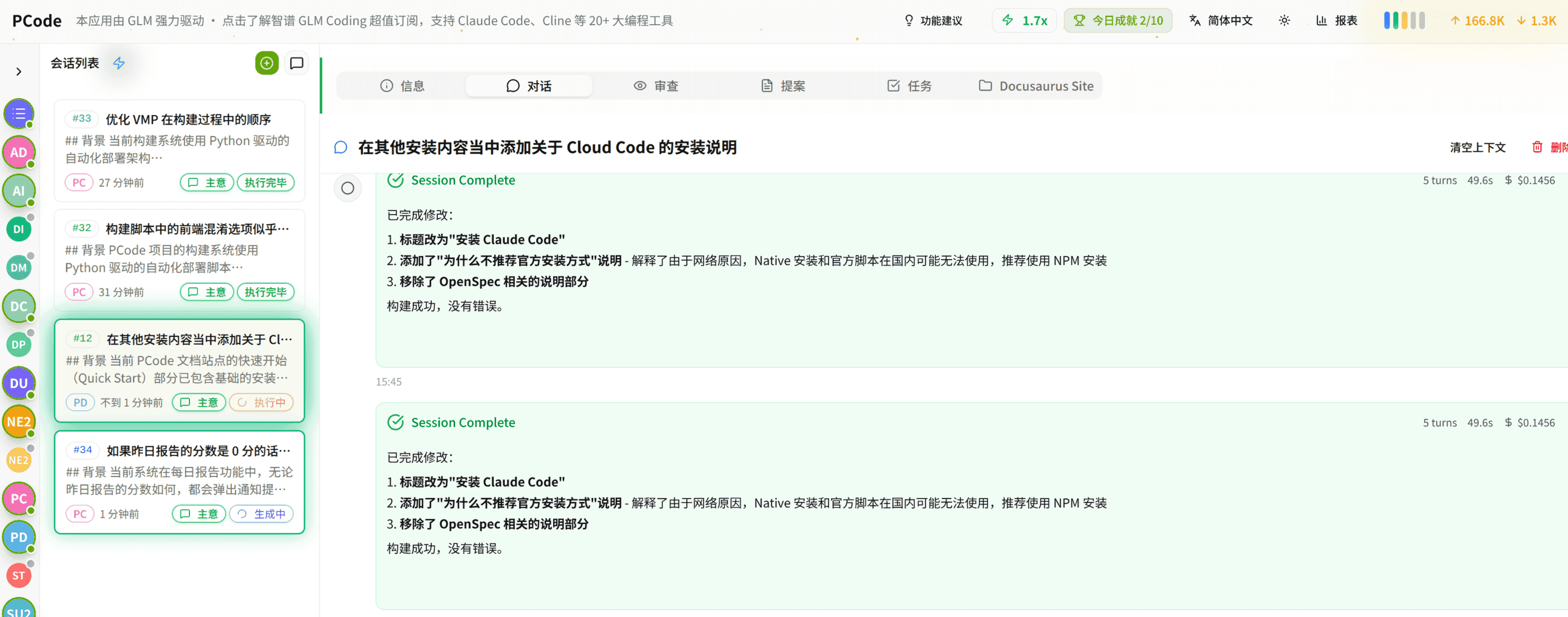
- SmartStructured workflows turn intent into an executable path from idea to shipped change.
- EfficientMulti-agent workflows keep research, implementation, and review moving in parallel.
- FunHero Dungeon interfaces make long coding sessions visual, collaborative, and rewarding.
Ecosystem Sites
Quick Links
Community
© 2026 HagiCode